Alight Motion Old Version Download – All Previous Versions
New Alight Motion Old Version Download updates may not suit every device. Some users experience lag on older phones, prefer a previous interface, have limited storage or RAM, or find that a particular build works better with their existing workflow. However, an older release is not automatically faster or more stable.
This guide helps you compare Alight Motion old versions, understand compatibility, and choose a suitable previous build. Performance depends on your Android version, device hardware, available memory and storage, project complexity, effects, layers, and the specific app build.
Overview of Alight Motion Old Version
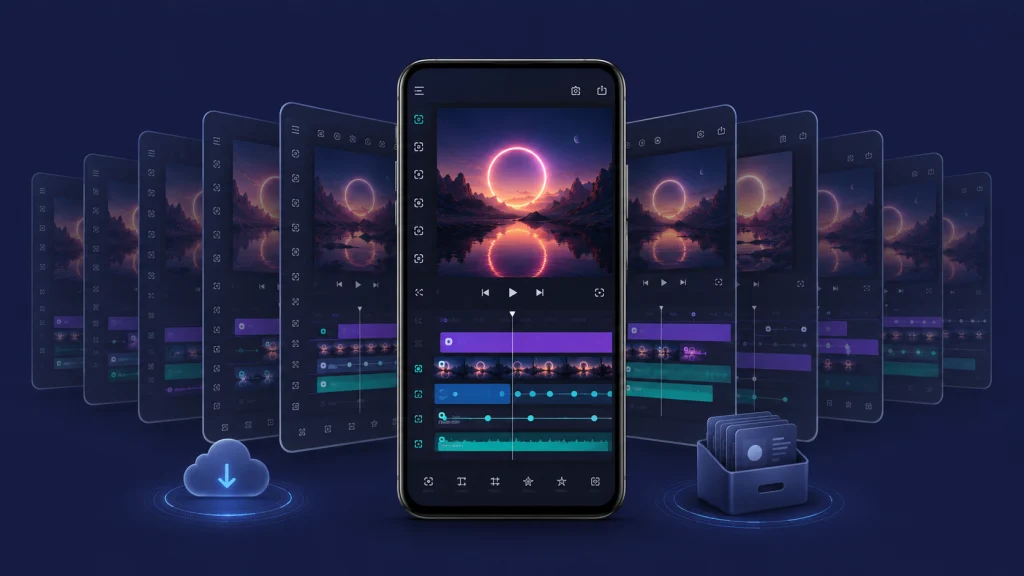
An Alight Motion Old Version Download is a previous release of the Alight Motion video editing and motion graphics app rather than its latest available build.
People may look for an Alight Motion previous version because they use an older Android phone, prefer a familiar interface, or need a particular workflow. Alight Motion itself notes that menus can vary between app versions and devices.
The trade-off is important. Older releases may lack newer features, bug fixes, compatibility improvements, and ongoing updates. They can also behave differently on newer Android systems.
Alight Motion Old Versions Download
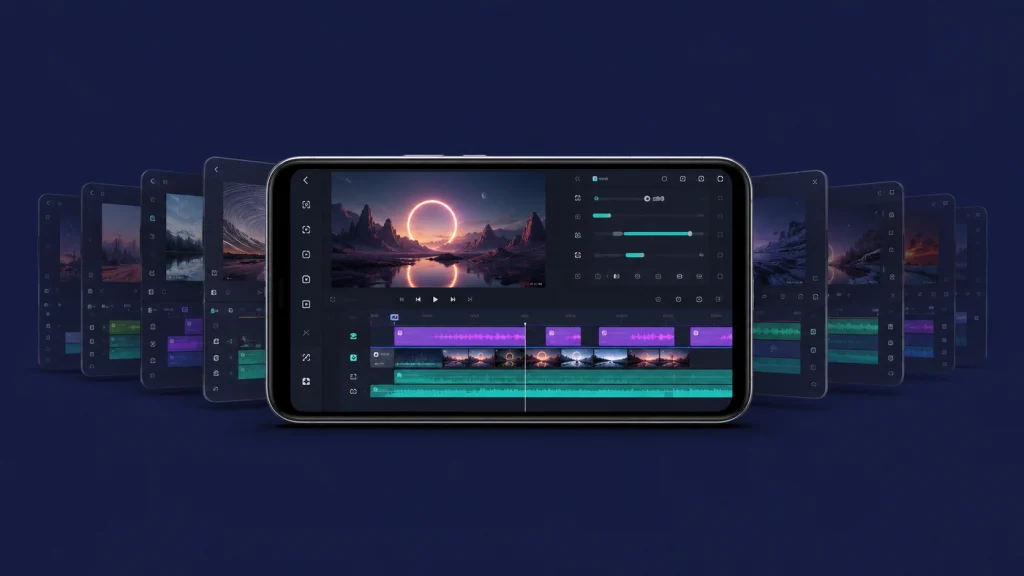
The table below lists several previous Android releases whose version, size, date, and Android requirement could be verified. File size can vary between package formats and build variants.
| Version | File Size | Android Requirement | Best For | Release/Build Info |
|---|---|---|---|---|
| 5.0.272 | 122.71 MB | Android 7.0+ | Users wanting a relatively recent previous 5.0 build | Feb. 15, 2025; build 1028366 |
| 5.0.271 | 126.20 MB | Android 7.0+ | Previous 5.0-series workflow | Nov. 28, 2024; build 1002592 |
| 5.0.270 | 125.44 MB | Android 7.0+ | Users needing this specific earlier build | Sept. 13, 2024; build 1002578 |
| 5.0.269 | 125.48 MB | Android 7.0+ | Earlier 5.0-series compatibility needs | Aug. 30, 2024; build 1002556 |
These APKMirror package records identify Android 7.0 (API 24) as the minimum requirement for the listed variants.
Note: Version details can change depending on source and build. Check device compatibility before installing.
Which Alight Motion Old Version Should You Choose?
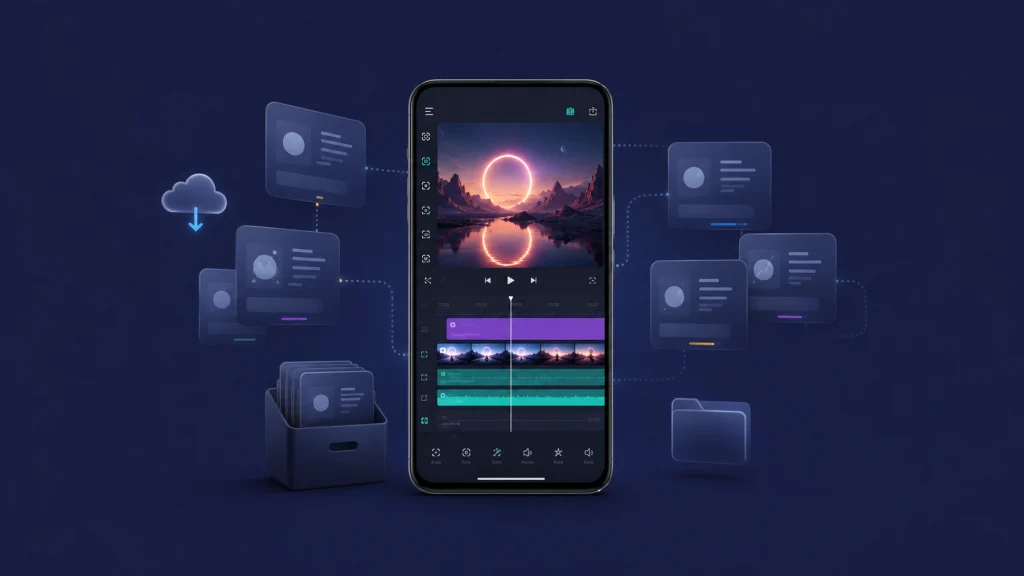
For Older Android Phones: Check the Android requirement first rather than simply downloading the oldest APK. Alight Motion APK Version Download current general requirements specify Android 6.0 or higher, with Android 7.0 or higher recommended, but individual builds can have different requirements.
For Better Feature Support: A relatively newer previous release is generally a more sensible starting point than a much older build because it is closer to the current development line.
For Users Who Prefer an Older Interface: Choose the release containing the workflow you know. Interface details can differ between versions.
For Existing Old Projects: Back up projects before changing versions. Alight Motion recommends its Project Package feature for backups, and reinstalling the app can permanently remove locally stored projects.
Why Do People Prefer Old Alight Motion Old Version Download Versions?
Better Performance on Some Older Devices
Earlier builds may perform better on certain older phones, particularly when hardware resources are limited. This is not guaranteed. Complex timelines, RAM usage, effects, video layers, and export settings can have a major impact on performance.
Familiar and Simple Interface
Users often become comfortable with a particular editing workflow. Staying with an earlier version can preserve that familiar layout until the application is updated.
Compatibility With Older Android Devices
As apps develop, system requirements can change. An older compatible build may therefore be useful when a newer release no longer supports a particular device.
Smaller App Size in Some Releases
Some old APKs are smaller than later builds, but this is not a rule. Package type, architecture, bundled resources, and build changes can affect file size.
No Forced Interface Changes
Keeping a previous version allows you to continue using that release’s existing interface and workflow, although you also miss changes introduced in later updates.
Popular Features of Alight Motion Old Version Download
Feature availability varies by release, but established Alight Motion tools include the following.
Multi-Layer Editing
Alight Motion Old Version Download supports multiple layers for graphics, video, and audio, allowing editors to combine different media in one composition.
Keyframe Animation
Keyframes let you animate properties such as position, scale and rotation over time. Easing controls can further change how movement progresses between keyframes.
Visual Effects and Filters
Alight Motion provides effects covering areas such as blur, color adjustment, distortion, transitions, drawing effects and motion-based editing. Exact availability can depend on the version.
Vector and Bitmap Graphics
Vector graphics are shape-based and can be resized cleanly, while bitmap graphics are pixel-based images. Alight Motion supports both types and provides in-app vector editing.
Offline Editing
Some editing work can be performed locally, but do not assume every function works without internet access. Accounts, downloadable assets, project-package services and other online features may require a connection.
Export Options
Alight Motion supports formats including MP4, GIF and PNG sequences. Export performance depends heavily on resolution, frame rate, effects, layers and hardware resources.
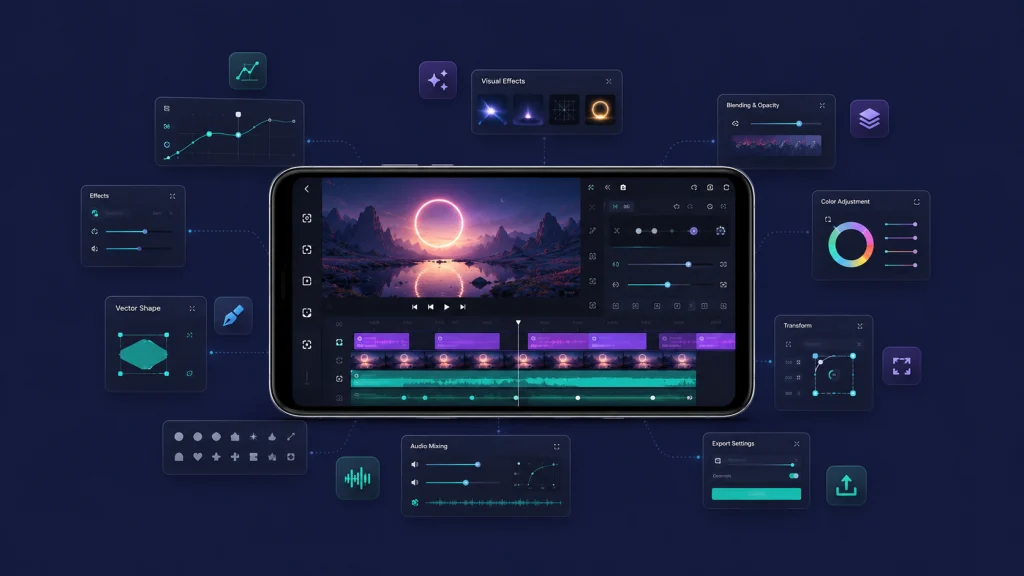
How to Download Alight Motion Older Versions Safely
- Check the Android version installed on your phone.
- Select a build that supports that Android version.
- Back up important Alight Motion projects before changing the app.
- Get the APK only from a source you trust.
- Verify the APK signature or file hash where reliable verification information is available.
- Enable installation from the required source only if you understand the security implications.
- Install the compatible package.
- Open Alight Motion and test a small project before using important projects.
Third-party APK installation carries risks. Files may contain modified code, malware, privacy problems, compatibility issues, or unauthorized modifications. Outdated software may also miss current fixes.
Prefer the official Google Play distribution whenever your device supports it. The current Play listing says Alight Motion requires at least 1.5 GB of RAM.
New vs Old Versions of Alight Motion Old Version Download
| Factor | Latest Version | Older Version |
|---|---|---|
| Features | Usually receives newer tools and improvements | Limited to features available in that release |
| Compatibility | Better suited to currently supported systems | May support certain older configurations |
| Security | Receives newer fixes | May miss later fixes |
| Interface | Current workflow | Retains earlier interface |
| Updates | Actively updated | Usually no longer updated |
| Project Compatibility | Better for projects using newer features | Newer projects may have problems |
| Performance | Depends on project and hardware | Also depends on project and hardware |
| App Size | Varies | Varies; not always smaller |
Pros and Cons of Alight Motion Old Version Download
Pros
An Alight Motion older version may work better with a specific older device or workflow. It can provide a familiar interface, access to previous editing methods, potential compatibility with older Android configurations, and continuity for users dependent on a specific release.
Cons
Old builds miss newer features and may lack recent bug, compatibility, or security fixes. They can become unstable on newer Android versions, receive no guaranteed support, and create project compatibility problems.
.
Downloading an Alight Motion Old Version Download adds another concern because modified packages are not necessarily identical to the developer’s official release. Their safety should never be assumed.
Common Alight Motion Old Version Problems and Fixes
App Not Installing
Check the APK’s Android requirement, available storage, installation permissions, and package integrity. An existing version signed differently can also create an installation conflict.
Backing up projects before uninstalling is particularly important because Alight Motion says reinstalling removes locally stored projects and elements.
App Keeps Crashing
Restart your phone and close background applications. If the project is large, reduce demanding effects or simultaneous video layers. Alight Motion identifies insufficient RAM and resource-heavy timeline sections as possible causes of export problems.
Export Problems
Free storage space and try reducing resolution, frame rate, or bitrate. Alight Motion also recommends exporting from the project list because this can require fewer resources.
Unsupported or unusually heavy media assets can also cause processing problems.
Lag While Editing
Reduce preview complexity, unnecessary layers, high-resolution media, and demanding effects. Close background apps to free memory.
Downgrading is not a guaranteed solution. The bottleneck may be your project or hardware rather than the app version.
Is an Older Alight Motion Version Better Than the Latest Version?
Not necessarily. The better version depends on your device, project, and editing needs.
Consider an older release when your device cannot use the current version, you specifically need an earlier workflow, or an existing project depends on a particular build.
Use the latest official version when your device supports it and you want current features, updates, bug fixes and better compatibility with current systems. Alight Motion’s own export troubleshooting guidance recommends using the most recent official version.
FAQs About Alight Motion Old Version Download
Final Words
An Alight Motion old version download can be useful when you need an earlier workflow or a build compatible with a particular device. The correct choice depends on your hardware, Android version and project requirements.
Do not assume the oldest or smallest APK will automatically perform best. Check compatibility, back up projects, and carefully verify the source before installing any previous Alight motion IOS.