Alight Motion for iOS 2026 – Latest Version for iPhone & iPad
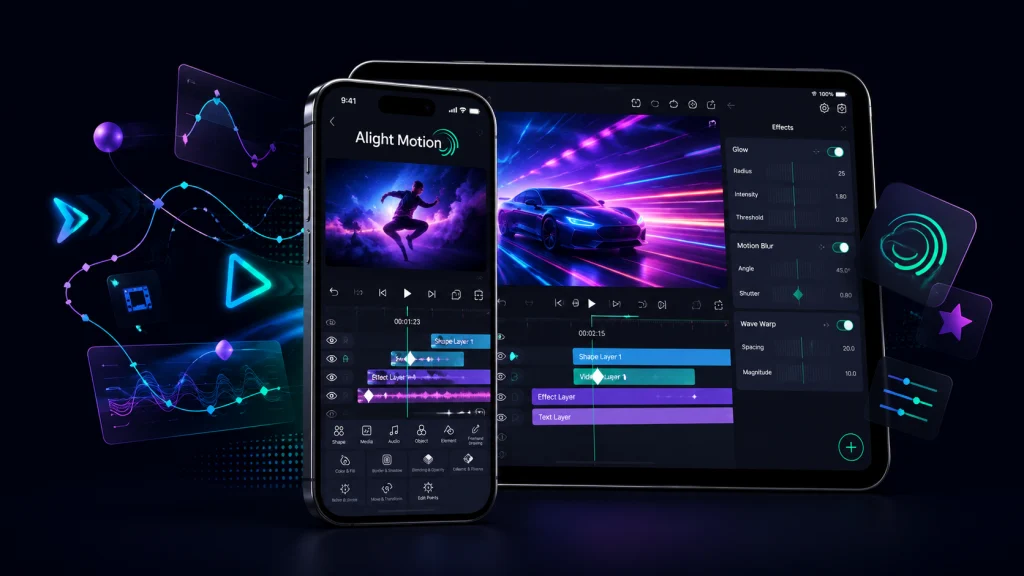
Alight Motion for iOS is a motion-design and video-editing app available for compatible iPhones and iPads through the Apple App Store. It combines video editing with keyframe animation, motion graphics, visual effects, compositing, and graphic-design tools. The current App Store listing requires iOS/iPadOS 14.4 or later.
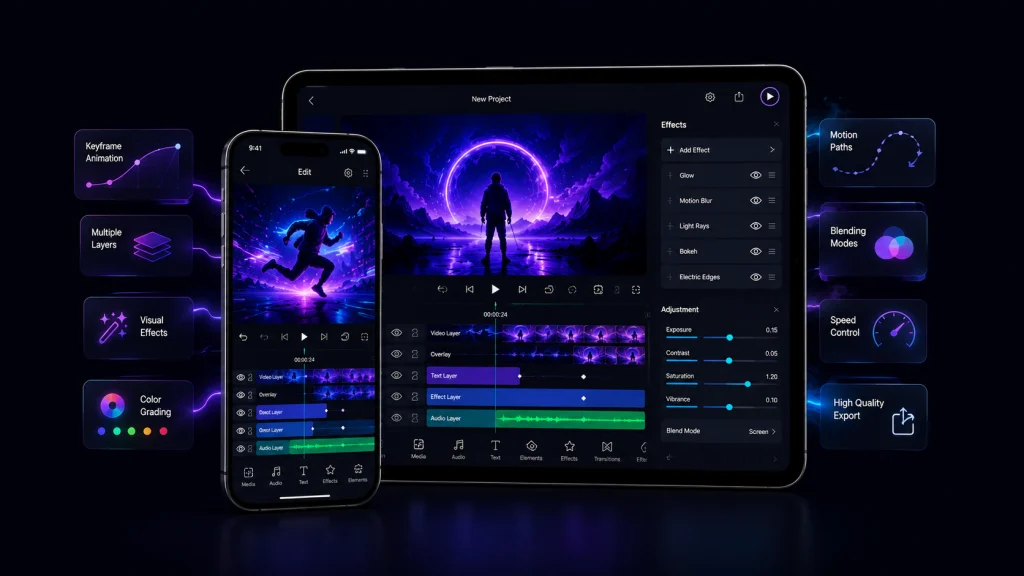
The app supports multiple video, image, graphic, text, and audio layers. Creators can work with vector and bitmap graphics, animation curves, custom fonts, color adjustments, motion blur, masking, and effects. Projects can be exported as MP4 video, GIF animation, PNG sequences, and still images.
Alight Motion iOS Quick Information
| Detail | Current Information |
|---|---|
| App Name | Alight Motion |
| iOS Version | 6.2.58 |
| Size | 199 MB |
| Developer | Bending Spoons Apps ApS |
| Category | Photo & Video |
| Price | Free with in-app purchases |
| App Store Rating | 4.4/5, around 74K ratings |
| Minimum iOS | iOS 14.4 |
| Minimum iPadOS | iPadOS 14.4 |
| Apple Vision | visionOS 1.0 or later |
| Watermark | Included with basic/free use |
| Premium | Paid memberships available |
| Official Source | Apple App Store |
Version, rating, size, pricing, and availability can change by date or App Store region.
Alight Motion for iOS Information
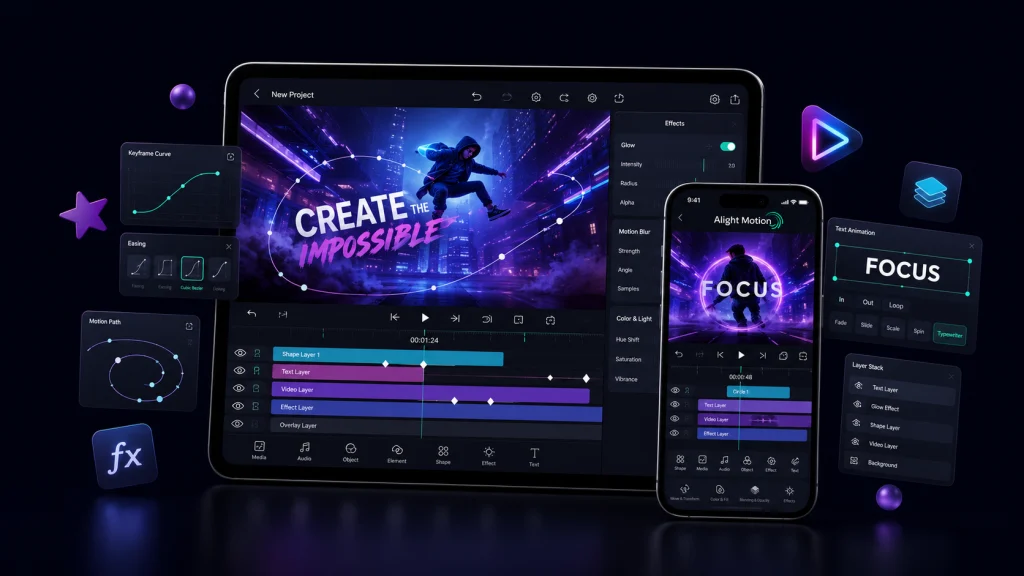
Alight Motion for iOS and iPad is designed for users who need more animation control than a basic mobile video editor normally provides. Keyframes can control properties such as position, scale, rotation, and other adjustable settings, while easing curves help create smoother movement.
It also supports graphics, video compositing, text animation, masking, color adjustments, reusable elements, and more than 100 customizable effect building blocks.
What Is Alight Motion Pro for iOS?
Alight Motion for iOS Pro generally refers to using Alight Motion with a paid membership that unlocks premium features and effects and removes the watermark. It should not be confused with unofficial modified IPA packages distributed by third-party websites.
The official free app provides basic functionality but adds a watermark to created videos. According to Alight Motion’s support documentation, purchasing a subscription removes the watermark and provides access to Pro features and effects.
Unofficial modified iOS builds are separate from the official App Store application and can introduce security, privacy, stability, certificate, update, and project-data risks.
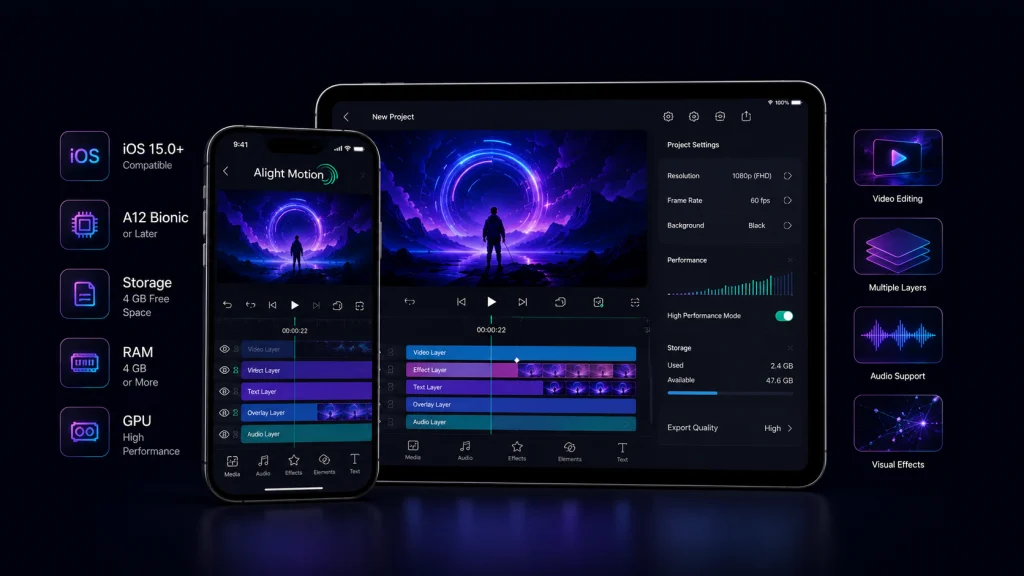
Alight Motion for iOS Requirements
| Requirement | Details |
|---|---|
| iPhone | iOS 14.4 or later |
| iPad | iPadOS 14.4 or later |
| Apple Vision | visionOS 1.0 or later |
| Download Size | About 199 MB currently |
| RAM | No separate official iOS RAM requirement stated |
| Storage | Extra free space recommended for projects and exports |
Alight Motion for iOS Help Center confirms iOS 14.4 or higher as the minimum iOS requirement. Complex projects with numerous layers, effects, high-resolution media, or long timelines can place greater demands on the device.
How to Download Alight Motion for iOS
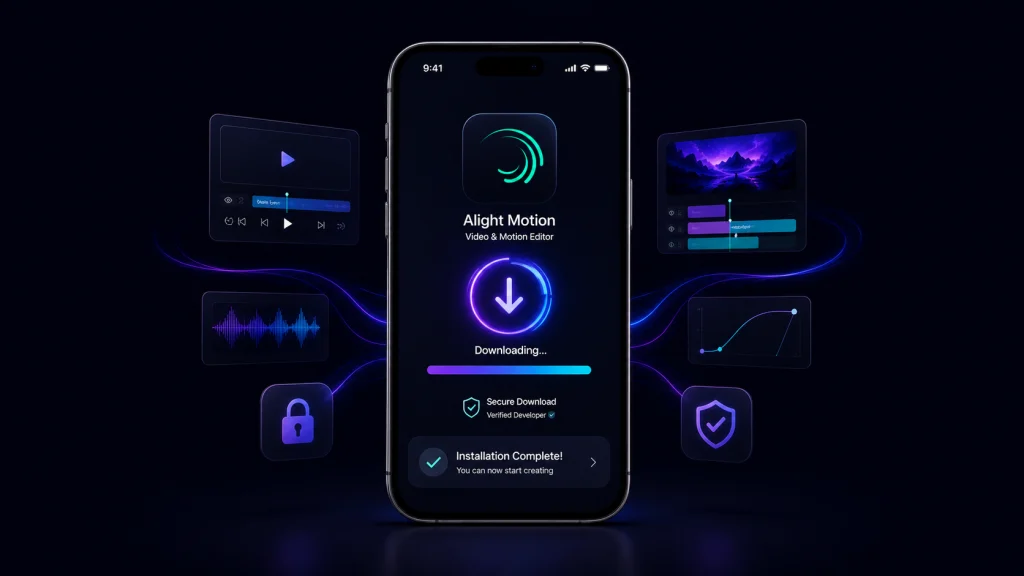
The safest and simplest way to perform an Alight Motion iOS download is through Apple’s official App Store.
- Open the App Store on your iPhone or iPad.
- Search for Alight Motion.
- Check that you are viewing the legitimate App Store listing.
- Review its compatibility with your device.
- Tap Get to download the app.
- Wait for installation to finish.
- Open Alight Motion and complete the initial setup.
- Review membership options only if you need premium features.
Do not download an Android APK file for an iPhone. APK is an Android package format and is not the standard format for iOS applications.
Special Instructions for Installing Alight Motion on iOS
If Alight Motion does not appear in your App Store, check your Apple ID region, device compatibility, available storage, and installed iOS version.
Be particularly careful with websites offering an “Alight Motion Mod APK for iOS.” An APK is not an iPhone app package. Unofficial IPA builds may also use signing certificates that can expire or be revoked. Alight Motion states that it provides support for authentic versions obtained through the Apple App Store or Google Play Store.
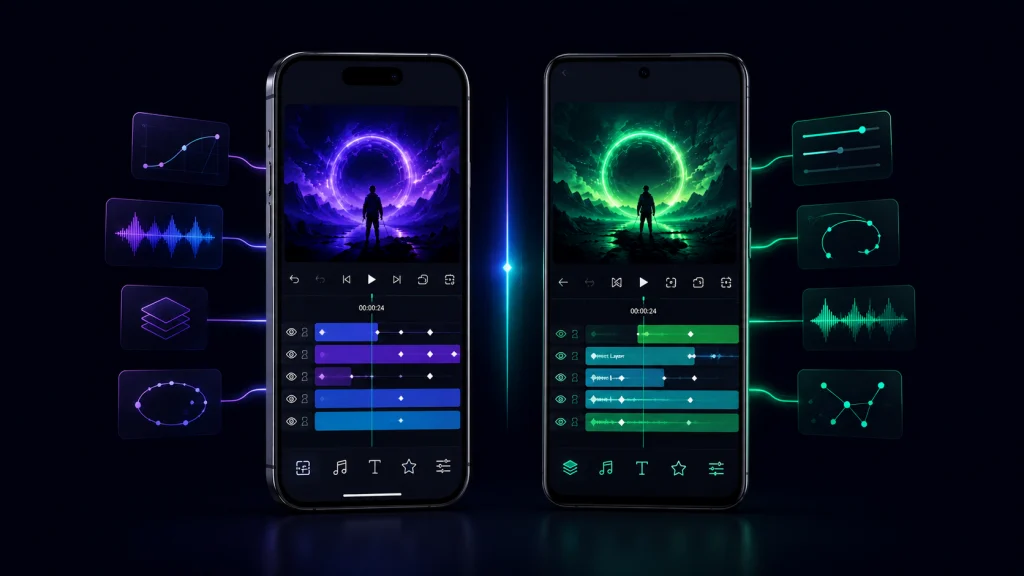
Alight Motion iOS vs Android
| Feature | iOS | Android |
|---|---|---|
| Official Store | Apple App Store | Google Play |
| Package Ecosystem | iOS application | Android/APK ecosystem |
| Minimum OS | iOS 14.4+ | Android 6.0+ |
| Keyframes | Yes | Yes |
| Multiple Layers | Yes | Yes |
| Effects | Yes | Yes |
| Premium Membership | Available | Available |
| Updates | App Store | Google Play |
Android and iOS releases can have different version numbers. Never assume that an Android APK version number represents the latest Alight Motion iOS version.
Key Features of Alight Motion for iPhone and iPad
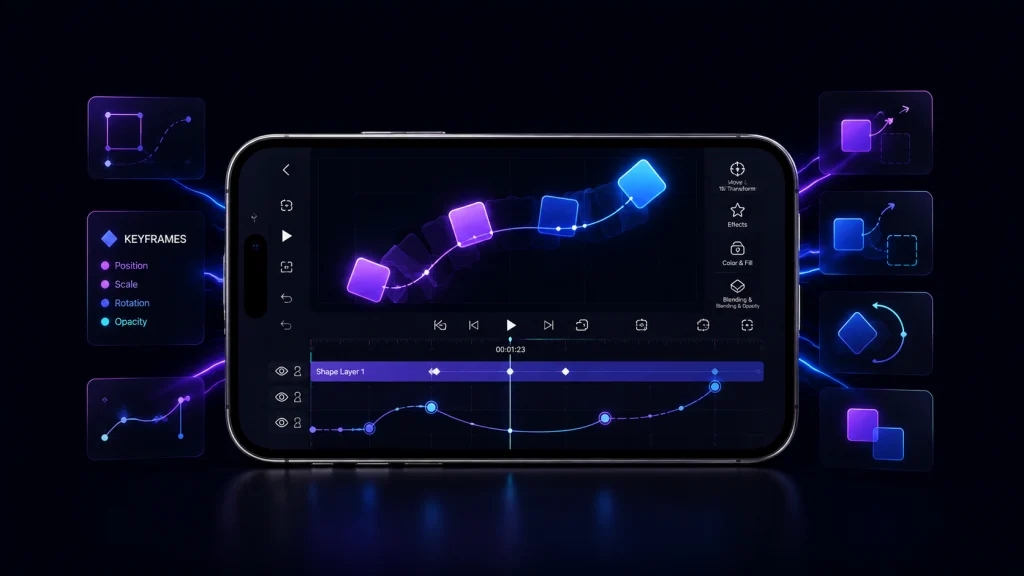
Keyframe Animation
Keyframes let creators animate properties over time. For example, you can move text from the left side of the screen to the center while simultaneously changing its scale and rotation. Animation easing provides additional control over how quickly that movement starts and stops.
Multiple Layers and Graphics
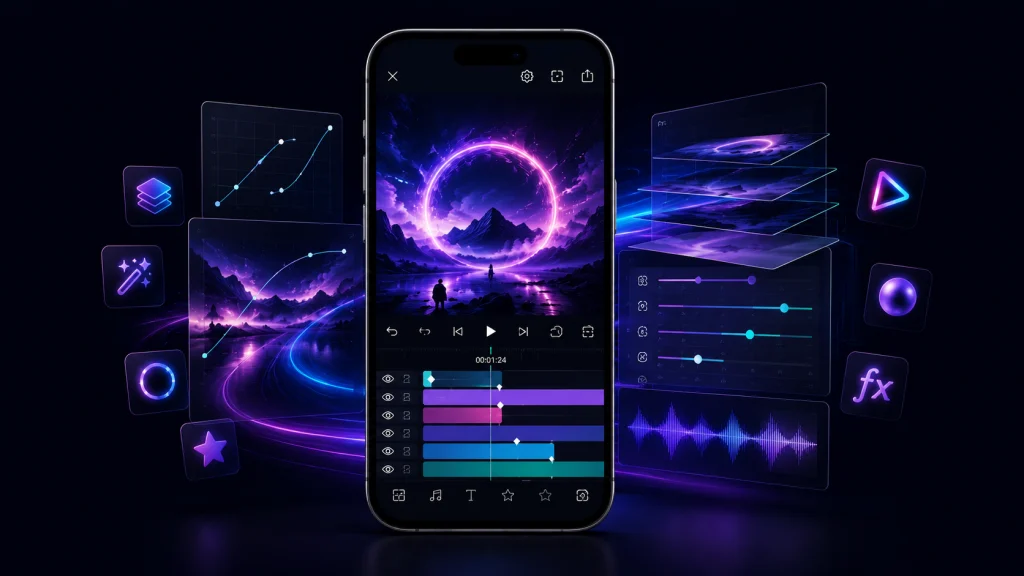
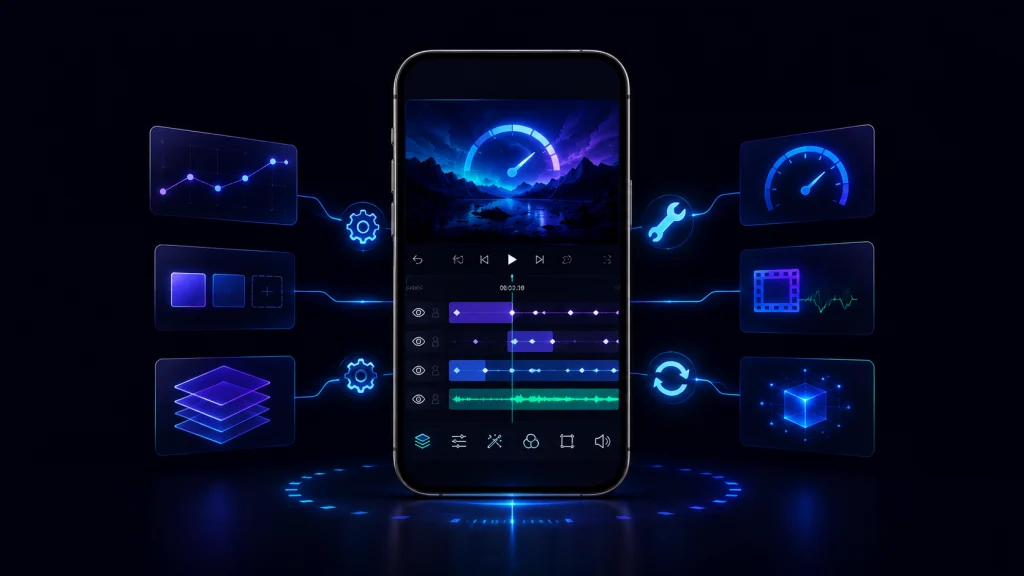
Alight Motion for iOS supports multiple layers of graphics, video, and audio as well as vector and bitmap graphics. This makes it possible to combine footage, images, shapes, text, effects, and sound within one project.
Visual Effects and Motion Blur
Users can combine customizable effect building blocks to produce more complex effects. Alight Motion also provides velocity-based motion blur. Its official documentation explains that motion blur can respond to changes in position, scale, and rotation.
Export Options
Officially listed export options include MP4 video, GIF animation, PNG sequences, and still images. Project packages can also be shared to move editable projects between supported devices.
Alight Motion Free vs Premium on iOS
| Feature | Free | Premium/Membership |
|---|---|---|
| Basic editing | Yes | Yes |
| Keyframe tools | Available | Available |
| Watermark | Yes | Removed |
| Premium effects/features | Limited | Access included according to plan |
| Cost | Free | Paid subscription |
If your main goal is Alight Motion without watermark on iOS, an official paid membership is the legitimate solution. Subscription prices can vary by offer, region, and billing period, so check the current Membership Options screen before purchasing.
Pros and Cons of Alight Motion for iOS
Pros
Alight Motion provides detailed keyframe controls, multi-layer editing, vector and bitmap support, customizable visual effects, motion blur, custom fonts, masking, color tools, and several export formats. It is particularly useful for creators who want motion-graphics capabilities directly on an iPhone or iPad.
Cons
The free version includes a watermark, while premium access requires a subscription. The large number of animation and effects controls can also create a learning curve for beginners. Complex projects may become demanding on older hardware or devices with limited available resources.
Can You Use Alight Motion on Mac?
Mac compatibility requires an important clarification. Apple’s App Store description mentions Mac, but Alight Motion’s official Help Center currently states that Windows/macOS are not compatible with Alight Motion. Therefore, users should not treat it as an officially supported native macOS editing workflow.
If an Apple Silicon Mac or App Store configuration presents an iPhone/iPad version, availability should not automatically be interpreted as full official macOS support. Check the current App Store and Alight Motion support documentation before relying on it for MacBook editing.
Common Alight Motion iOS Problems and Fixes
If Alight Motion crashes or lags, first update the app and iOS, restart your device, close unnecessary background applications, and make sure sufficient storage is available. For demanding projects, reducing layers, effects, or high-resolution assets may improve performance.
If an export fails, check available storage and consider whether the project contains unusually complex effects, media, resolution, or timeline settings. Back up important projects before major troubleshooting or reinstalling the application.
FAQs Alight Motion for iOS
Conclusion
Alight Motion for iOS gives iPhone and iPad creators access to keyframe animation, motion graphics, multiple layers, visual effects, vector and bitmap graphics, motion blur, custom fonts, and flexible export options in a mobile application.
For installation, the Apple App Store remains the appropriate official source. Users looking for watermark-free exports should consider official membership options instead of unknown modified packages. Mac users should also note that Alight Motion’s current Help Center does not list macOS as an officially compatible platform.